Payments & Transfers
Payments that make sense
Local and international transfers, with the cost shown before you confirm.
Uptex to Uptex
Between Uptex accounts
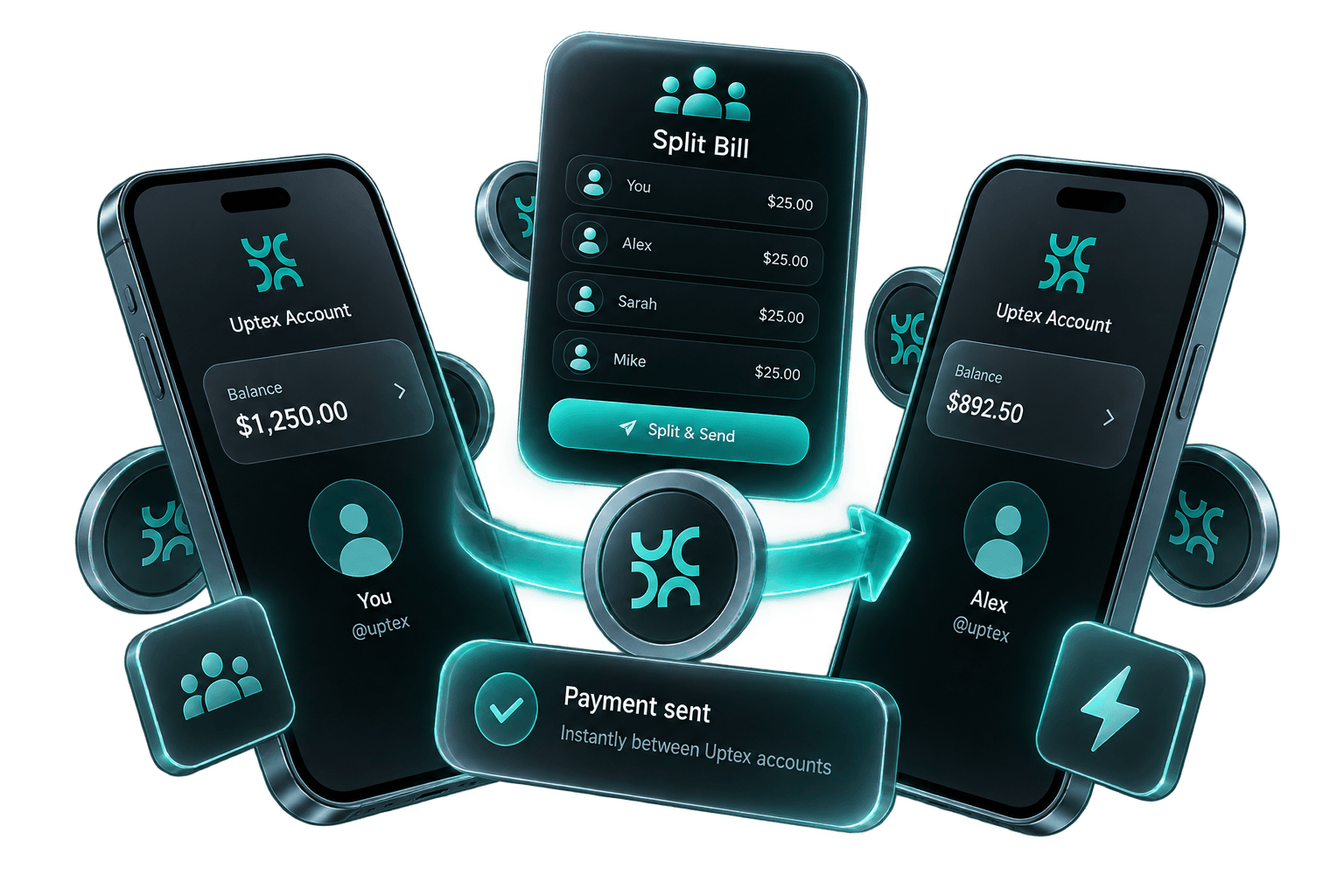
Split bills using eligible Uptex-to-Uptex transfers, which are usually processed immediately.
All applicable Uptex fees are set out in the price list; third-party fees may apply.
Pay other Uptex users
Coming soonPay eligible Uptex users through the app and track group expenses in one place.
Share how to pay you
Share your details with a QR code so an eligible sender can pay you without typing them in.
Payment Rails
Send money where it needs to go
Fees and delivery times are shown before you confirm.
SEPA transfers
Send and receive eligible euro payments over SEPA.
Additional SEPA schemes
Coming soonFurther SEPA payment schemes will be supported for eligible euro payments.
International transfers
Coming soonTransfer money overseas at the exchange rate and fees displayed before confirmation. Available currencies, routes and delivery times vary.
Scheduled payments
Where supported, schedule an eligible payment for a future date, and review or cancel it in the app before it is sent.
Available currencies, routes and delivery times vary.
Currency Exchange
Exchange at a rate you can see
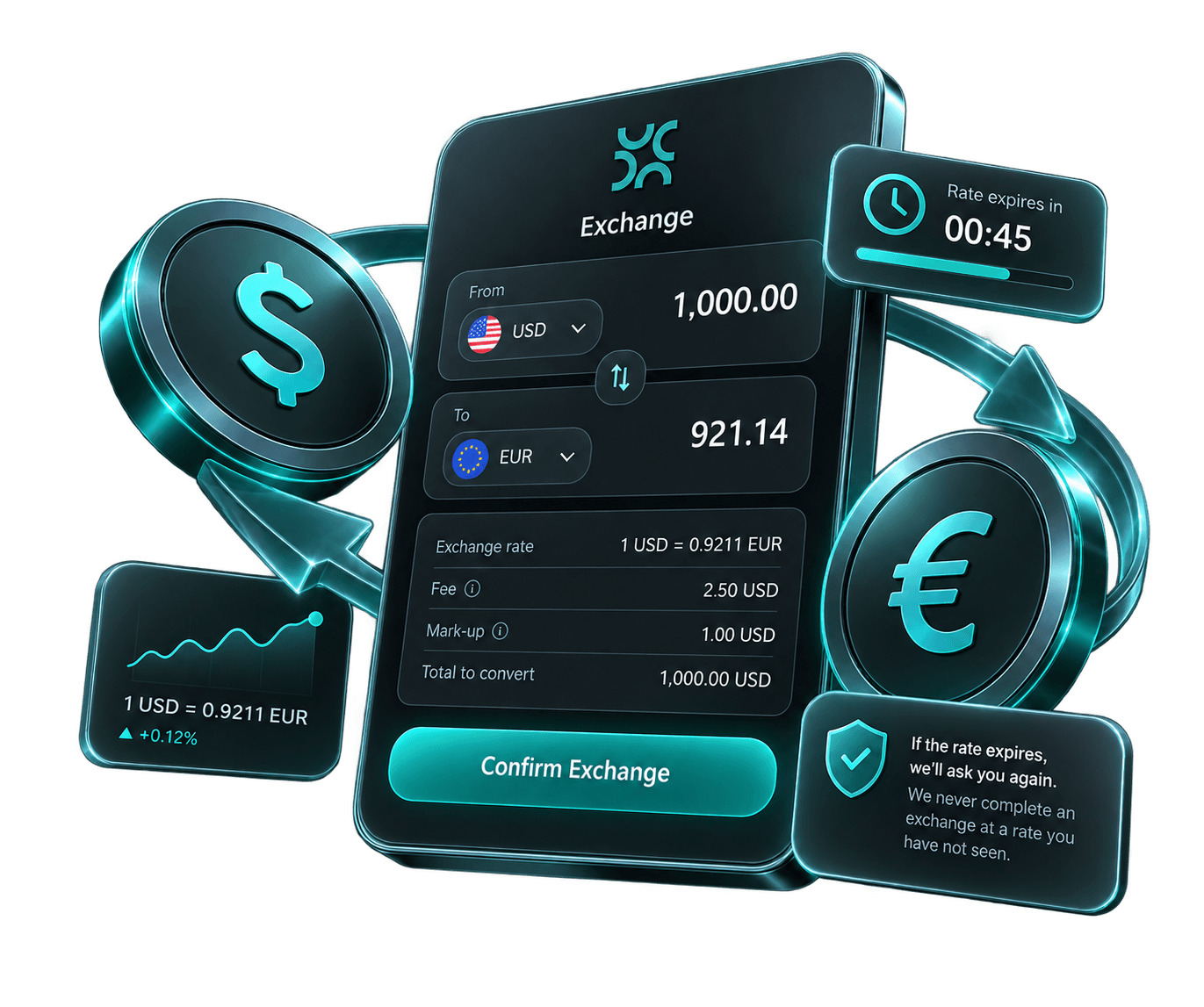
Get a quote before every exchange, with the fee and the mark-up shown separately. If the rate expires, we ask you again — we never complete an exchange at a rate you have not seen.
All applicable Uptex fees are set out in the price list; third-party fees may apply.
A quote, then your decision
The rate you are shown is valid for a limited time. If it expires before you confirm, we show you a new one.
Fee and mark-up, separately
We show the reference rate, any mark-up and any separate fee before you confirm.
Supported currencies
The currencies supported at launch are being confirmed and will be listed here.
Common Questions
Frequently asked questions
Payments and exchange
Fees and delivery times are shown before you confirm. Available currencies, routes and delivery times vary.
Split bills using eligible Uptex-to-Uptex transfers, which are usually processed immediately.
You are shown a quote before every exchange, with the fee and the mark-up shown separately. The quote is valid for a limited time, and if it expires we show you a new one.
Where supported, you can schedule an eligible payment for a future date and review or cancel it in the app before it is sent.
It is a code that identifies a financial institution in an international payment. The two names mean the same thing. You give it alongside the account number so the payment reaches the right institution.
Ask the person or organisation you are paying — they are the only reliable source for their own code. You can check that a code you have been given is the right shape on our SWIFT and BIC codes page.
Fees
Every fee is shown before you confirm a payment or exchange. Full pricing will be published at launch.
No undisclosed Uptex fees. All applicable Uptex fees are set out in the price list; third-party fees may apply.